

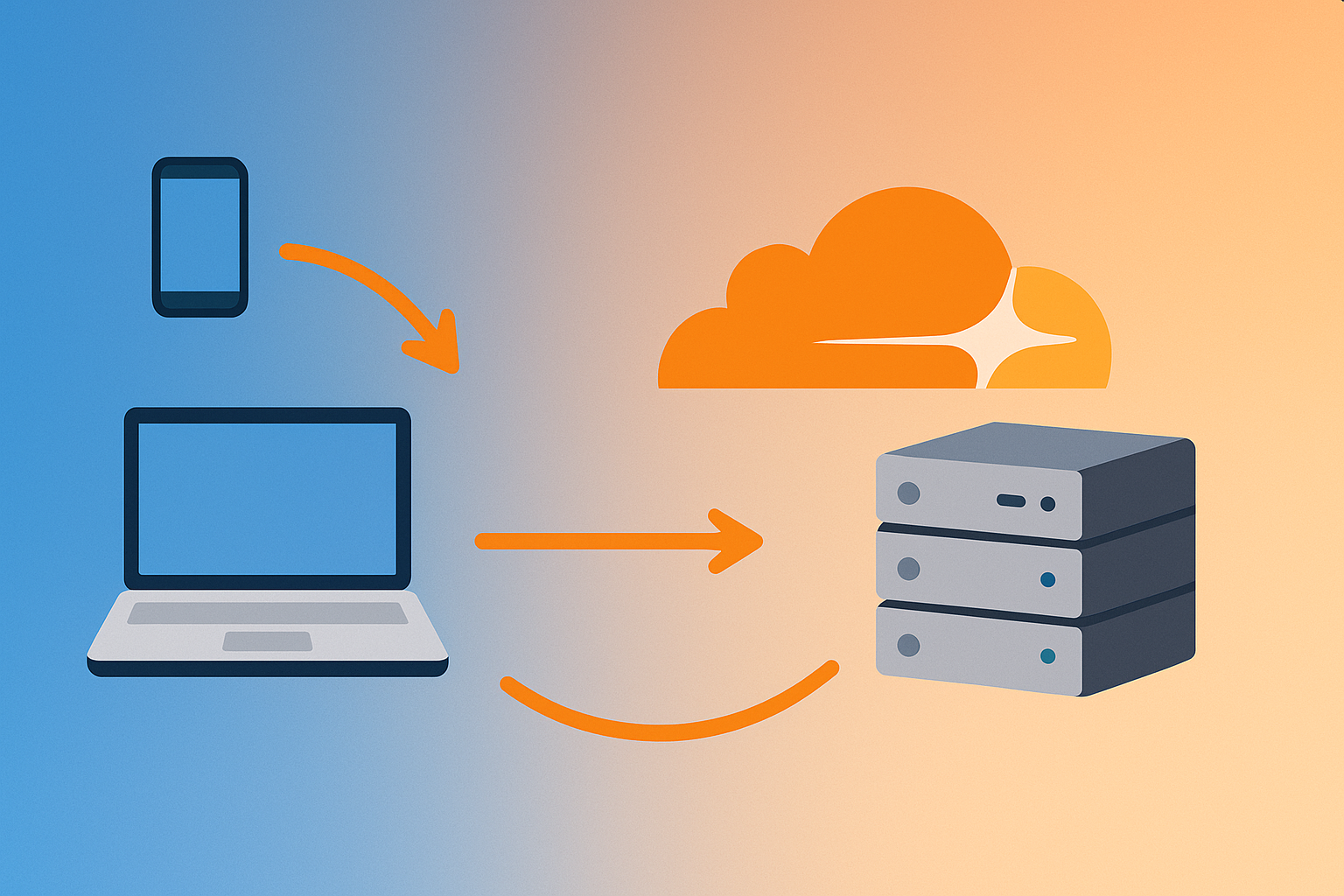
Changing a domain’s IP address often leads to the issue of DNS propagation. While DNS records can technically update within minutes, in practice many providers and devices keep old entries cached for up to 72 hours. This means some users are still seeing the old server, while others are already hitting the new one.
For websites and applications where uptime is critical, this can be a serious problem. Luckily, there’s a simple trick to bypass DNS propagation using Cloudflare.
How does the trick work?
- Enable Cloudflare proxy on the same server/IP.
Once you turn on the Cloudflare proxy (orange cloud), your domain no longer points directly to your server’s IP but to Cloudflare’s network. All visitors go through them first. - Wait 48–72 hours.
This ensures Cloudflare’s network is fully recognized by DNS resolvers worldwide. Whether users are hitting old or new Cloudflare IPs, they will always reach your site through Cloudflare. - Change the server IP and disable the proxy.
When you’re ready to switch to the new server, simply update the IP in Cloudflare’s DNS settings. After that, you can disable the proxy (gray cloud). Visitors will immediately connect to the new server – no waiting for propagation.
Benefits
- Zero downtime during migration.
- Visitors always end up in the same place – Cloudflare handles the routing.
- Even if someone targets old Cloudflare IPs, Cloudflare still knows what to do.
This approach is practical, straightforward, and saves hours (or even days) of frustration when migrating websites.